

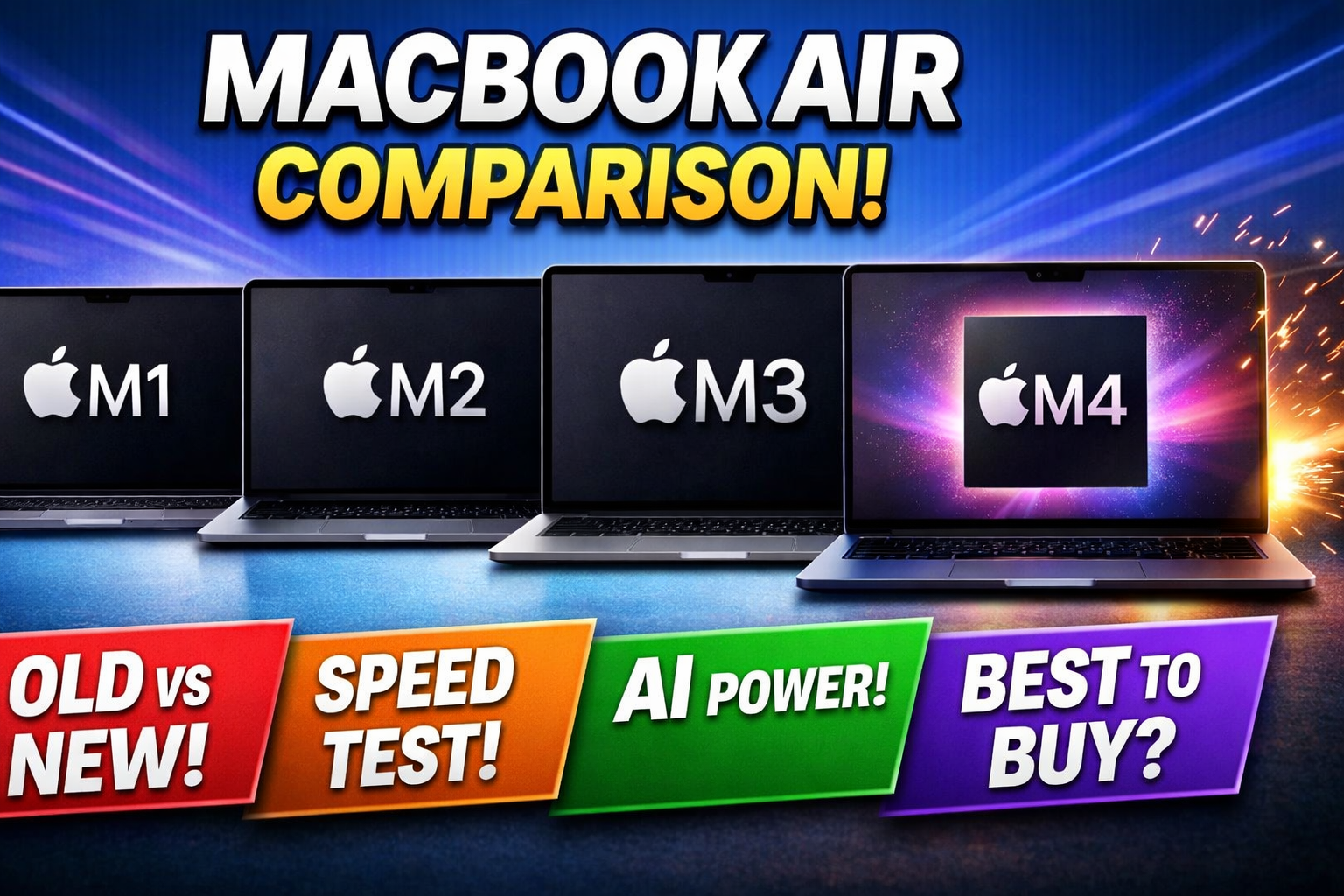
Apple’s MacBook Air lineup has evolved rapidly over the years, from the powerful M1 chip to the latest AI-driven M4 chip. If you’re planning to buy a new laptop in 2026, choosing the right MacBook Air can be confusing.
In this guide, we compare the MacBook Air M1, MacBook Air M2, MacBook Air M3, and the latest MacBook Air M4 to help you make the best decision.
Performance Comparison
The biggest difference between these models lies in their chips:
- M1 Chip: Still reliable for everyday tasks like browsing, Microsoft Office, and streaming
- M2 Chip: Around 15–18% faster than M1 with improved multitasking
- M3 Chip: Offers better efficiency and introduces hardware-accelerated graphics
- M4 Chip: Designed for AI performance with a powerful Neural Engine
The M4 chip is ideal for:
- AI tools and automation
- Video editing
- Advanced multitasking
Design & Display
Apple redesigned the MacBook Air starting with the M2 model:
- M1: Classic wedge design
- M2, M3, M4: Modern flat-edge design
Display Improvements:
- M1: 13.3-inch Retina display
- M2/M3/M4: 13.6-inch Liquid Retina display
- Brighter screen (500 nits vs 400 nits)
If design matters, M2 and newer models are the clear winners.
Battery Life
Battery life is strong across all models:
- M1: Up to 18 hours
- M2: Up to 18 hours
- M3: Slightly more efficient
- M4: Best optimization with AI-based power management
In real-world use, all models easily last a full day.
Graphics & Gaming Performance
- M1: Basic GPU performance
- M2: Improved graphics
- M3: Supports hardware ray tracing
- M4: Best GPU with AI-enhanced rendering
For gaming and creative work, M3 and M4 perform significantly better.
AI & Future-Proofing
The MacBook Air M4 is built for the future:
- Advanced AI processing
- Faster machine learning
- Optimized for upcoming macOS features
If you want a laptop that stays relevant for years, M4 is the best choice.
Price Comparison (2026)
- M1: Budget-friendly option
- M2: Best value for money
- M3: Higher performance tier
- M4: Premium price with latest features
Which MacBook Air Should You Buy?
Choose M1 if:
- You are on a tight budget
- You need a laptop for basic tasks
Choose M2 if:
- You want a modern design at a reasonable price
Choose M3 if:
- You need better graphics and performance
Choose M4 if:
- You want the latest technology
- You work with AI tools or heavy applications
- You need long-term future-proofing
Final Review
The MacBook Air lineup offers something for everyone:
- Best Budget Choice: M1
- Best Value: M2
- Best Performance Balance: M3
- Best Overall (2026): M4